AI Video Generator: Livensa
- 4.1
- Rating
- 1.00M
- Installs
- Free
- Price

 Analysis by App-foxy
Turning a short idea into a moving clip sounds simple, but the result depends on more than pressing a generate button. I spent time with AI Video Generator: Livensa to see how it fits into ordinary mobile use, especially when the internet connection is doing much of the invisible work. My impression is that it is best understood as a playful art tool for experimenting with text-to-video concepts, image animation, cartoon looks, and anime-style transformations rather than as a complete replacement for a professional video editor.
That distinction matters. Livensa is free to install, rated for Everyone, and belongs to the Art & Design category, so it is approachable for casual creators, students, social-media users, and anyone who wants to test an idea without learning a complicated timeline editor. At the same time, its creative results are shaped by generation time, connection quality, and the limits of automated interpretation. I found the most satisfying experience came from treating each output as a starting point that might need another attempt, not as a perfectly controlled final video.
How Livensa feels when the network is part of the creative process
I find Livensa works best when I plan around the connection rather than treating it as a background detail. A stable network gives me room to send an idea, review the result, and make a thoughtful adjustment instead of rushing through retries. That makes the next question practical: how can I tell whether a delay is just part of generation or a sign that I should change my approach?
You May Also Like

 Blood Strike: 2.5 Anniversary
Blood Strike’s Loadouts Turn Every Drop Into a Tactical Gamble
A close look at Blood Strike’s custom loadouts: how fast access to signature weapons reshapes its battle royale rhythm, rewards preparation, and narrows the gap between fights.

 Pandora - Music & Podcasts
Pandora’s Music Is Easy to Start, but Harder to Recover
Pandora’s strength is its low-effort path from a seed to a station. Its weak spot is how much confidence it asks you to place in connection, setup, and quiet recovery.

 8 Ball Pool
 Is Built on Rivalries, Rematches, and Routine
A close look at the rivalries, rematches, shared routines, and unanswered safety questions that turn a quick pool match into a persistent mobile community.

 Samsung Music
’s Quiet Strength Is Playing What You Already Own
Its reach comes less from spectacle than from dependable access to a personal library. That simplicity is both the app’s strongest retention engine and its ceiling.

 AccuWeather: Weather Radar
AccuWeather Review: A Quick, Clear Forecast for Everyday Decisions
For everyday plans, the best forecast is the one you can understand quickly. AccuWeather makes rain timing, radar, and local conditions easy to act on, with a few trade-offs.

 Hill Climb Racing
Why Hill Climb Racing Still Turns Crashes Into One More Run
A tiny car, a bumpy hill and one more upgrade: Hill Climb Racing keeps resurfacing because its simple chaos makes every near-miss feel personal.
More From Our News Desk



Generation is more than a local tap
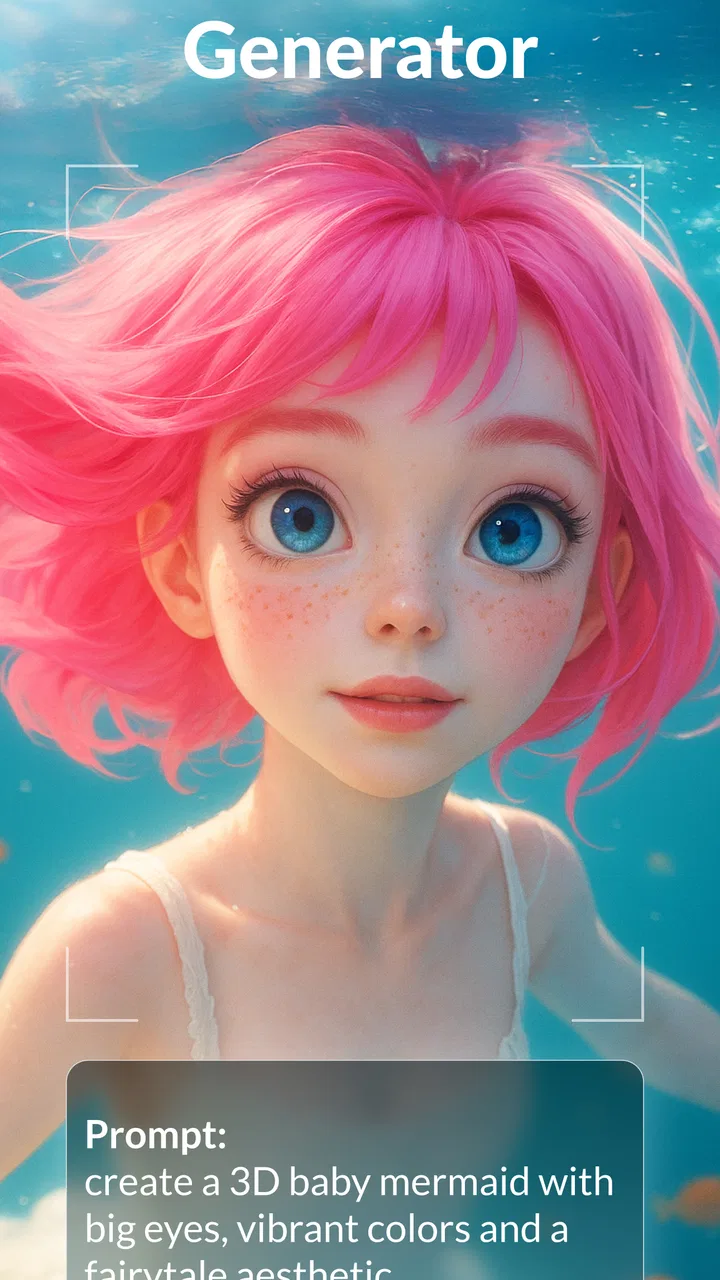
The central appeal is the ability to describe a visual idea in words and turn it into a short moving result. You can also begin with an image and explore an animated, cartoon, or anime-like direction. That makes the app feel different from a conventional mobile editor, where you bring in finished photos and arrange them manually. Here, the creative work starts with a prompt or source image, while the app interprets the request through its AI system.
In practical use, that means connectivity is not a minor background detail. When I submitted an idea, the useful part of the experience depended on the request being processed rather than merely edited on the phone. A strong connection made the process feel more natural: I could send an idea, wait, inspect the result, and decide whether to refine it. A weak or unstable connection changed the mood completely, because the creative rhythm became a sequence of waiting and checking instead of an immediate visual experiment.
This is worth remembering before starting a project in a train, crowded café, or place with unreliable reception. Livensa can be enjoyable in those settings when the connection holds, but it is not the kind of tool I would choose for a time-sensitive presentation where every step must work predictably. For spontaneous experimentation, the uncertainty is acceptable. For a deadline, it becomes a real consideration.
Prompt wording has a bigger effect than expected
The most useful habit I developed was keeping prompts focused. A long sentence containing a subject, several actions, a camera movement, a mood, a location, and multiple visual styles gives the system too many things to balance. I got more dependable creative direction by describing the main subject first, then its movement, then the overall look. This is one of the app’s less obvious lessons: clearer requests usually make better use of each generation attempt.
I also recommend changing one idea at a time. If the first result has the right character but the wrong setting, revise the setting instead of rewriting everything. If the motion feels too strong, simplify the action rather than adding more adjectives. This approach makes Livensa more practical because you can tell which change influenced the next result. It also reduces wasted attempts, which matters when generation is tied to an online service and optional purchases are available.
For image-to-video work, the source image deserves similar care. A clear subject with a readable pose gives the animation direction something solid to interpret. Busy backgrounds, tiny subjects, or several competing focal points can make the result feel less controlled. I would prepare the image before importing it: crop away distractions, choose a strong central subject, and decide whether the goal is subtle movement or a more obvious transformation.
Where the app is more useful than a normal editor
A traditional editor is still better when I already know exactly what I want: trimming clips, placing captions at precise moments, balancing several audio elements, or building a carefully timed sequence. Livensa is more interesting at the earlier stage, when I have a visual thought but no footage. It can help turn “a dreamy illustrated character walking through a glowing city” into something tangible enough to discuss, revise, or share.
That makes it useful for mood boards, quick concept tests, profile content, visual jokes, and personal experiments. A small business owner could use it to explore a visual direction for a post before investing time in a polished campaign. A student could animate an illustration for a class project. Someone making a birthday message could start with a photo and try a playful animated treatment rather than relying on a static image.
Still, I would not confuse generated motion with full creative control. Automated video can introduce movement that was not intended, alter details, or interpret a style differently from the way I imagined it. If preserving a person’s exact appearance is essential, a conventional slideshow or manually edited clip may be safer. Livensa is strongest when variation is part of the fun.
Using it in real mobile situations
My favorite everyday scenario is a short break when I have an idea but no laptop nearby. I can think of a visual concept, prepare a concise prompt, and use the phone to explore it. That is where the app feels genuinely convenient: it turns idle time into a small creative session without requiring a desktop workspace or a timeline full of controls.
However, mobile convenience does not remove practical constraints. A phone screen is comfortable for reviewing a quick result, but less comfortable for comparing many versions or making detailed decisions across a larger project. I would use Livensa to generate and shortlist ideas on mobile, then move to a conventional editing workflow when the project needs exact pacing, layered sound, or repeated revisions across many scenes.
It is also wise to avoid beginning a generation while rushing between locations. If the connection changes midway, the experience may feel less predictable, and you may not know immediately whether the request is still processing or needs another attempt. I prefer using it when I can stay in one place long enough to watch the result arrive and evaluate it properly.
What to do when a request stalls or the result misses
The first recovery step is patience rather than repeated tapping. Sending the same request several times can create confusion about which result is current and may use more of an allowance or purchase than intended. I found it better to wait, check whether the result appears, and only then decide whether to try again. If the output is visibly wrong, changing the prompt is more useful than immediately resubmitting identical wording.
A failed creative attempt is not always a technical failure. Sometimes the request completes but produces an unhelpful interpretation. I treat those two situations differently. For a technical interruption, I retry later with a stable connection. For a weak visual result, I simplify the description, make the subject more specific, or start from a cleaner image. That separation saves time and makes the app feel less random.
There is also a recovery strategy for important ideas: keep the original image and prompt outside the app while experimenting. I would save a simple note containing the wording and retain the source picture in the phone’s normal gallery. That way, a connection problem or an unwanted result does not erase the creative starting point. It also makes it easier to compare revisions instead of relying on memory.
Data-conscious habits for AI video creation
Because the experience involves sending creative instructions or images for processing, I would avoid treating it like a private offline sketchbook. Do not use a personal photo casually if you would be uncomfortable with it entering an online generation workflow. For family pictures, schoolwork, or client material, think about consent and sensitivity before uploading. This is not a criticism unique to Livensa; it is a sensible boundary for any connected AI art tool.
Connection quality also affects practical data use. Image and video generation can be more demanding than browsing text, so I prefer a reliable Wi-Fi connection when I am testing several variations. Mobile data is more reasonable for a single quick experiment, but I would avoid repeatedly generating versions while traveling unless I am comfortable with the extra network activity. The app’s free entry point makes trying it easy, yet optional in-app purchases ranging from under a dollar to several dozen dollars per item mean I would monitor spending carefully.
My advice is to decide on a small creative goal before opening the generator. For example, make one animated version of a selected illustration, compare it with one alternative prompt, and stop if neither direction works. This prevents endless trial and error. It also gives a clearer sense of whether the result is worth continuing before spending money on additional options.
Version, accessibility, and who should try it
Livensa comes from FERASET and was released on June 23, 2023. The current version is 6.0.1, and it supports devices running Android 7.1 or later. It has passed one million installs, with an average rating of 4.1 from around 175 thousand ratings and roughly 2.1 thousand written reviews. Those figures suggest a sizeable audience, but they do not remove the need to judge the app against your own workflow.
I would recommend it to curious beginners, illustrators who want to see a still image move, and social creators who enjoy trying several visual directions quickly. It is also a reasonable choice for someone who wants an approachable introduction to AI-assisted video without immediately committing to a complex desktop application.
I would skip it if your priority is frame-level precision, dependable offline work, advanced sound editing, or a repeatable production pipeline. A standard mobile editor is better for assembling known footage, while a professional creative suite is a better fit for controlled commercial work. Livensa earns its place when the question is “What might this idea look like in motion?” rather than “How do I finish a technically exact video?”
My connectivity verdict
After using it as a connected creative sketchpad, I think Livensa is most enjoyable when you have a stable network, a little time to review variations, and an open attitude toward unexpected results. Its text-to-video and image-animation approach makes it more imaginative than a basic editor, but also less predictable. The internet connection is effectively part of the workflow, so I would plan around that instead of expecting the same instant response as a local drawing tool.
The free price makes experimentation accessible, and the Everyone rating keeps the entry barrier low. Just remember that optional purchases can add up, especially if you generate repeatedly without a clear goal. My practical method is simple: use concise prompts, start with clean images, preserve your originals, prefer Wi-Fi for extended sessions, and treat each result as a draft.
My final recommendation is to try Livensa for ideas, not promises. If you want a playful way to animate an illustration or explore an AI-generated visual concept from your phone, it is worth your attention. If you need guaranteed continuity, detailed editing controls, or a workflow that remains dependable when connectivity is poor, choose a conventional editor instead. That honest division of roles is where this app makes the most sense.
FAQs for AI Video Generator: Livensa
01What is AI Video Generator: Livensa, and what can it do?
AI Video Generator: Livensa is designed to help users create short videos with artificial intelligence, typically from written prompts, images, or other supplied media. Depending on the available tools and subscription level, it may generate scenes, animate pictures, apply visual effects, add music, or prepare content for social platforms. Results can vary, so it is best suited to creative experimentation rather than perfectly controlled professional production.
02Is AI Video Generator: Livensa free to download and use?
The app may be free to install, but some generation tools, export options, templates, or higher-quality results can require in-app purchases or a subscription. Before creating multiple videos, check the pricing page carefully, including trial terms, renewal dates, credit limits, and cancellation instructions. A free tier may also include advertisements, watermarks, limited daily generations, or restrictions on video resolution.
03How good are the videos generated by Livensa?
Video quality depends on the prompt, source image, selected style, processing time, and the app’s current AI models. Simple concepts with clear instructions generally produce more consistent results, while detailed scenes, realistic human movement, text inside images, and complex interactions may contain visual mistakes. It is useful for social posts, concepts, and entertainment, but generated clips may still need editing before publication.
04Does AI Video Generator: Livensa require an internet connection?
Most AI video generation takes place on remote servers, so an active internet connection is normally required to submit prompts, upload images, process requests, and download completed clips. Generation speed can also depend on server demand and your connection quality. Some basic editing or saved-video playback may work offline, but users should not expect the main AI creation features to function without reliable online access.
05Is content created with Livensa safe to use commercially?
Commercial usage depends on Livensa’s current terms of service, the subscription plan used, and the rights associated with any images, music, prompts, or other material you upload. AI-generated output may also resemble existing copyrighted or trademarked content. Before using a video for advertising, monetized channels, or client work, review the app’s licensing conditions and make sure you own or have permission to use every source asset.
Pros
- Creates videos from text prompts with minimal editing experience.
- Offers AI-assisted visuals that can speed up content creation.
- Useful for social media clips
- presentations
- and promotional content.
- Reduces the need for expensive cameras
- actors
- or editing software.
- Simple workflow makes it accessible for beginners and casual creators.
Cons
- Generated scenes may contain visual glitches or inconsistent details.
- Output quality can vary depending on the prompt and selected style.
- Advanced features or longer exports may require a paid subscription.
- Rendering videos can take time
- especially for complex prompts.
- AI-generated results may need manual editing to look fully polished.

AI Video Generator: Livensa
Gallery